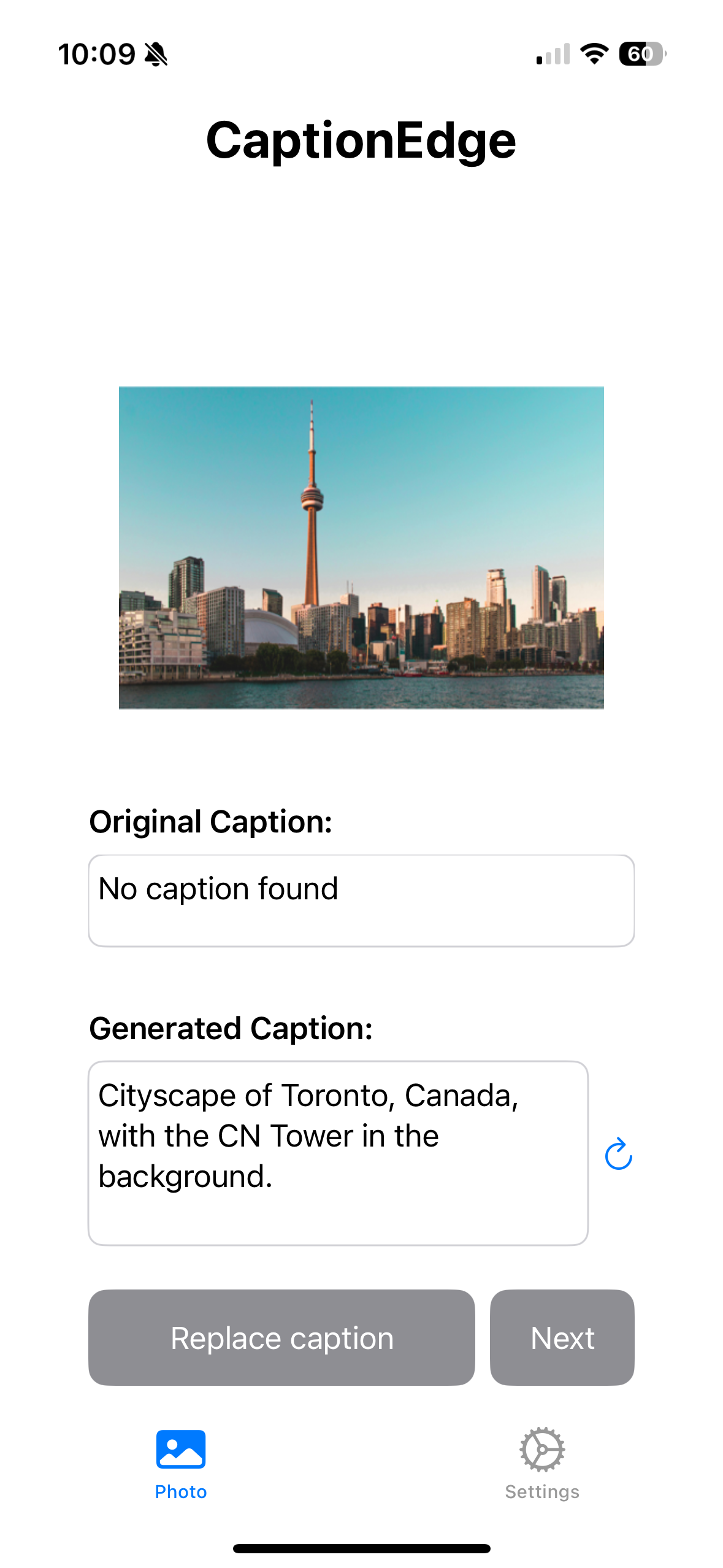
CaptionEdge v1.5.0 Launches: Instant-On AI and Built-in Camera
Seapines AI Releases Major Update with Embedded AI Model—No Download Required—and In-App Camera for Complete Capture-to-Caption Workflow
[Toronto, Canada – February 23, 2026] — Seapines AI today announced the release of CaptionEdge v1.5.0, a major update that eliminates the first-launch model download by embedding the AI Vision Language Model directly in the app, and introduces a built-in camera so users can capture photos and videos—with captions already burned in—without leaving CaptionEdge. The release delivers instant captioning from the moment the app opens, full offline capability, and a seamless capture-to-caption workflow, all while maintaining 100% on-device processing and user privacy.
Embedded AI: No Download Required
CaptionEdge v1.5.0 ships with the AI Vision Language Model (VLM) packaged inside the app:
- Instant-On Captioning: Open the app and start generating captions immediately—no first-launch download
- Fully Offline: No network required for AI captioning; everything runs on your device
- Reliable Launch: No risk of app failing to launch due to download issues or connectivity
- Same Quality: The same powerful vision-language model, now built in for instant access
- Privacy Unchanged: All processing remains 100% on-device; your media never leaves your device
"Users told us the initial model download was a friction point. With v1.5.0, we've removed that entirely. The AI model is now part of the app, so you get instant-on captioning and full offline capability from day one. Combined with the new in-app camera, CaptionEdge becomes a single place to capture, caption, and share—all on-device and private."
— Jimmy Lo, Founder of Seapines AI
In-App Camera: Capture and Caption in One Place
The new built-in camera lets users take photos and record videos directly in CaptionEdge, with captions ready to burn in or share:
- Built-in Camera: Take photos and record videos without leaving CaptionEdge
- Captions Burned In: Generate AI captions and save with text overlay for share-ready media
- Flash Control: Turn flash on, off, or auto when taking photos
- Pinch to Zoom: Frame your shot with intuitive zoom
- Camera Switch: Flip between front and back camera with a tap
- Video Resolution: Choose your preferred resolution for camera capture
- Recording Timer: See how long you've been recording with an on-screen timer
- Audio Support: Recorded videos include audio tracks
- Save to Photos: Newly taken media automatically saves to your Photos library
The camera is accessible from the caption view for a quick capture-and-caption flow, ideal for social creators, vloggers, and anyone who wants to capture and caption in one seamless step.
Reliability and Quality Improvements
Enhanced video frame processing, better HDR handling, and improved support for various video formats (HDR, 10-bit, different color spaces) for more reliable scene descriptions.
"Privacy doesn't take a back seat when we add features. The camera and the embedded model both run entirely on-device. Photos, videos, and AI processing never leave the user's device."
— Jimmy Lo, Founder of Seapines AI
Technical Specifications
- System Requirements: iOS 26.1+
- Storage: ~2GB for app installation (WiFi recommended for update due to embedded AI model)
- Processing: 100% on-device AI processing including camera and embedded VLM
- Supported Formats: Images and videos from Photos, Files, camera, and iCloud
- Privacy: All processing is local; no media or facial data is transmitted
Availability
CaptionEdge v1.5.0 is available now on the App Store. The update is free for existing users. All features—including Pro (ad-free experience and family sharing for up to 6 members)—are available through the existing in-app subscription.
Download Now

Or scan this QR code with your iPhone:

For media inquiries, product demos, or interview requests, please contact info@seapinesai.com or visit www.seapinesai.com.